LFI
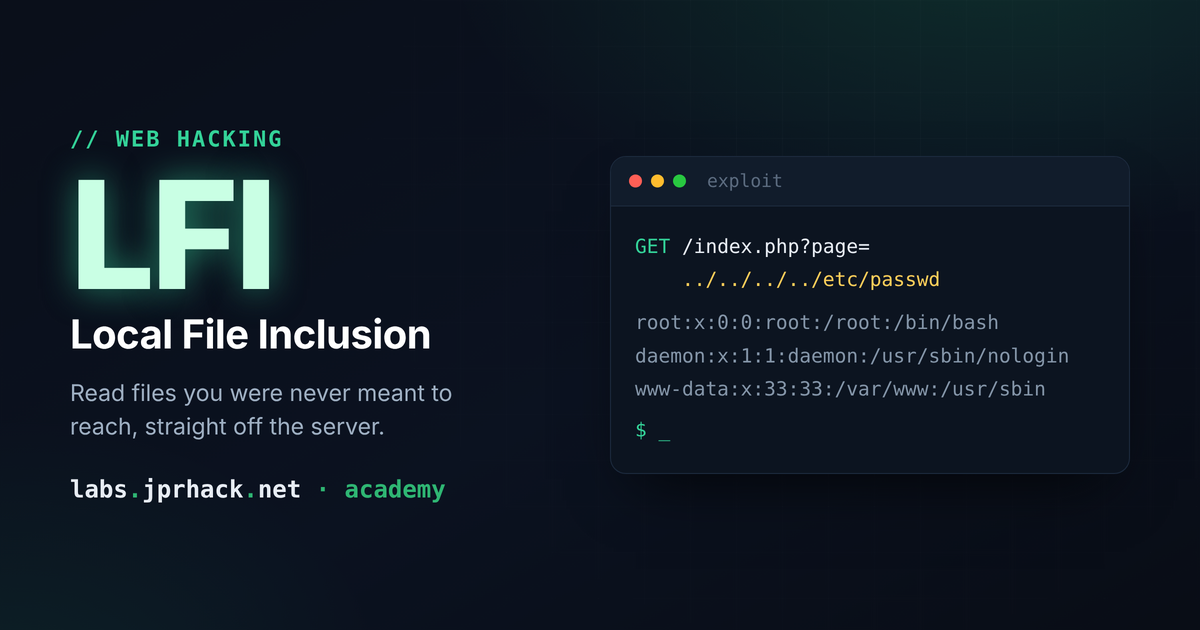
What LFI is, how Path Traversal with ../ works, and the most common bypasses (non-recursive sanitization, incomplete preg_match, null byte, and the /etc/passwd/. trick), plus a cheat sheet of sensitive files per service and a hands-on lab.
Local File Inclusion (LFI): the definitive beginner's guide
What is LFI?
Local File Inclusion (LFI) is a vulnerability that shows up when a web application takes something the user controls (usually a URL parameter) and uses it to decide which file to open or include on the server, without properly checking that it's actually the file it's supposed to be.
Imagine a site that loads pages like this:
http://localhost/index.php?page=contact.phpBehind the scenes, the code probably does something like:
include($_GET['page']);The problem is that if the developer doesn't validate this input, we can tell the server "hey, include any file on the system", not just contact.php. And that's where Path Traversal comes in.
Path Traversal: moving through folders with ../
On Linux (and in general), .. means "go up one directory". If we chain several of them, we can walk out of the web folder and reach the root of the filesystem:
/var/www/html/../../../../../../etc/passwdAnd through the URL, it would look like this:
http://localhost/?file=../../../../../../../etc/passwdYou don't need to "guess" the exact number of ../: adding extra ones doesn't break anything, because once you reach the root (/), going up again just leaves you at the root anyway. So when we don't know
the exact depth, we just throw in extra ones to be safe.
This lets us read files that have nothing to do with the web app, like /etc/files, SSH keys, etc. You'll find a full cheat sheet of interesting files further down.
Bypass 1: when the sanitization isn't recursive (....//)
A developer, noticing the problem, might try to "fix" it by stripping every occurrence of ../
str_replace("../", "", $filename);At first glance this seems reasonable: find ../ and remove it. The flaw is that it — it doesn't check again whether a new ../ has appeared afterthe replacement.
How do we exploit this? By doubling up the dots and slashes: instead of ../ we write ....//.
Look at the string character by character:
.  .  .  .  /  /
0  1  2  3  4  5
str_replace finds the sequence ../ right in the middle (positions 2, 3 an
/) and removes it. What's left over are the characters on either side: positions0, 1 and 5 → ., ., / → ../ all over again.In short: ....// → (the middle ../ gets stripped) → ../. The sanitization basically rebuilds the payload for us!
Through the URL, instead of the normal path, we'd send:
....//....//....//....//....//....//....//etc/passwdImportant takeaway: any sanitization based on "find and replace once" should be treated as suspicious. You should always ask: what if I obfuscate the pattern by doubling it up — does the original come back?
Bypass 2: when they use preg_match to block the final path
Another common defense is to not block ../ at all, but instead check directly whether n sensitive file:
if (preg_match("/\/etc\/passwd/", $filename) === 1) {
    echo "you can't view this content";
} else {
    include("/var/www/html/$file");
}
The flaw here is that the regex looks for an exact string: /etc/passwdwrite the same path without the string being identical:
/etc//passwd
/etc///passwd
/etc/./passwd
/etc/././././passwd
All of these paths point to exactly the same file as far as the operating system is concerned (repeated slashes and . — "current directory" — get ignored when the path is resolved), but they don't
textually match the pattern /etc/passwd, so preg_match doesn't catc.
On top of that, if that path ends up being used in a shell command context (not a e>, but something like system() or exec()), we can also take advantage ofshell wildcards:
/etc/ho?t      → matches /etc/host
/etc/pa?s?ord  → matches /etc/passwd
The ? is a wildcard character that represents "any letter" in that position. We can swcked filename with a ?, and the shell will still resolve it correctly, while the regexlooking for the exact text won't detect it.
Bypass 3: when they concatenate the extension (null byte)
Another (pretty bad) "defense" technique is forcing the included file to always end in .php, to stop arbitrary files from being read:
include("/var/www/html/$file.php");The developer's idea is: "even if you give me ../../../etc/passwd, I'll append .php to it, so it'll end up looking for /etc/passwd.php, which doesn't exist."
In PHP versions older than 5.3.4 (quite old by now, but they still show up in CTFs and practice machines), this could be bypassed with a null byte (%00):
../../../../../../etc/passwd%00Under the hood, PHP used C-based string-handling functions, and in C a string terminates at the \0 byte. By injecting %00, the PHP engine would cut the path right there and never actually append
the .php, so the file that ended up being opened was /etc/passwd as
Nowadays, with modern PHP, this technique no longer works. We're covering it here because it still shows up in labs and old machines, and it's important to understand the "why" behind it historically.
Bypass 4: the /etc/passwd/. trick
There's another sanitization variant that checks the end of the string, for examplst 6 characters are literally passwd:
/etc/////passwd → last 6 characters: "passwd" → BLOCKEDAdding extra slashes doesn't help, since the string still ends in passwd. But on olderde>/. at the end:
/etc/passwd/.Now the last 6 characters are no longer passwd (they're sswd/./. in a path means "the current directory/file", so the systemresolves that path to exactly the same file /etc/passwd. Result: we dodge the text filter without changing which file is actually opened.
The core idea behind all these bypasses
All of these tricks share one underlying lesson, which is really what I want you to take away from this article:
The operating system understands "the same path" in many more ways than a text comparison (ode>preg_match,
substr...) does.
A filter that thinks in terms of text (strings) is almost never enough to block something the system interprets in terms of file paths. That's why the correct fix for LFI isn't "patching" every trick you can think of, but rather:
Using a whitelist of allowed files/pages (never a blacklist).
Resolving the path with functions like
realpath()and checking that the final result folder.Never building a file path directly out of user-controlled data.
PHP wrappers: the next piece
Everything above is a variant of "classic" Path Traversal: getting to read a file that already exisher toy called wrappers (php://filter, php://input,data://, zip://...) that lets us go much further — from reading source code in base64 to, by chaining filter chains, achieving remote code execution (RCE) out of a seemingly
"dumb" LFI.
That's what we cover in the next lesson → [[4.3 LFI WRAPPERS]]
For that part, and in general to automate exploiting filter chains, I recommend my tool:
Cheat sheet: interesting files to read via LFI
When you find an LFI, these are the files worth trying depending on what services the server is run
System / users
/etc/passwd/home/<user>/.ssh/id_rsa/home/<user>/.ssh/id_ecdsa/home/<user>/.ssh/id_ed25519/proc/self/fd/<n>(open file descriptors of the current process)
System logs
/var/log/syslog/var/log/auth.log/var/log/btmp/var/log/fail2ban.log/var/log/ufw.log
Web / CMS
/var/www/appname/wp-config.php(WordPress, DB credentials)
Apache
/var/log/apache2/access.log/etc/apache2/sites-enabled//etc/httpd/conf/httpd.conf(Apache httpd) — also/opt/apache2/htdocs/httpd.conf/var/log/httpd-access.log⚠ Important: check
/etc/passwdfirst to see exactly which path Apache is installed under — it varies by distro.
Nginx
/var/log/nginx/access.log
Tomcat
/etc/tomcat9/tomcat_users.xml/usr/share/tomcat9/etc/tomcat_users.xml
SSH
/etc/ssh/sshd_config/var/log/auth.log
MySQL
/var/log/mysql/error.log/etc/mysql/mysql.conf.d/mysqld.cnf
FTP
/etc/vsftpd.conf/etc/ftpusers(users denied FTP login)
Samba
/etc/samba/smb.conf
NFS
/etc/exports
SMTP / Postfix
/etc/postfix/main.cf
SNMP
/etc/snmp/snmpd.conf
Port Knocking
/etc/knockd.conf
/var/mail/
Practice what you've learned
All the theory in this article is meant to be put into practice on a real, simple LFI right away. For that, you have the following lab available:
Download it, spin it up on your own machine, and look for the vulnerable parameter. Try reaching /etc/passwd the plain way first, then force one of the bypasses we covered (feel free to simulate a bad sanitization yourself in code if you want to understand the "why" from the inside).