Abusing Sudoers Privileges
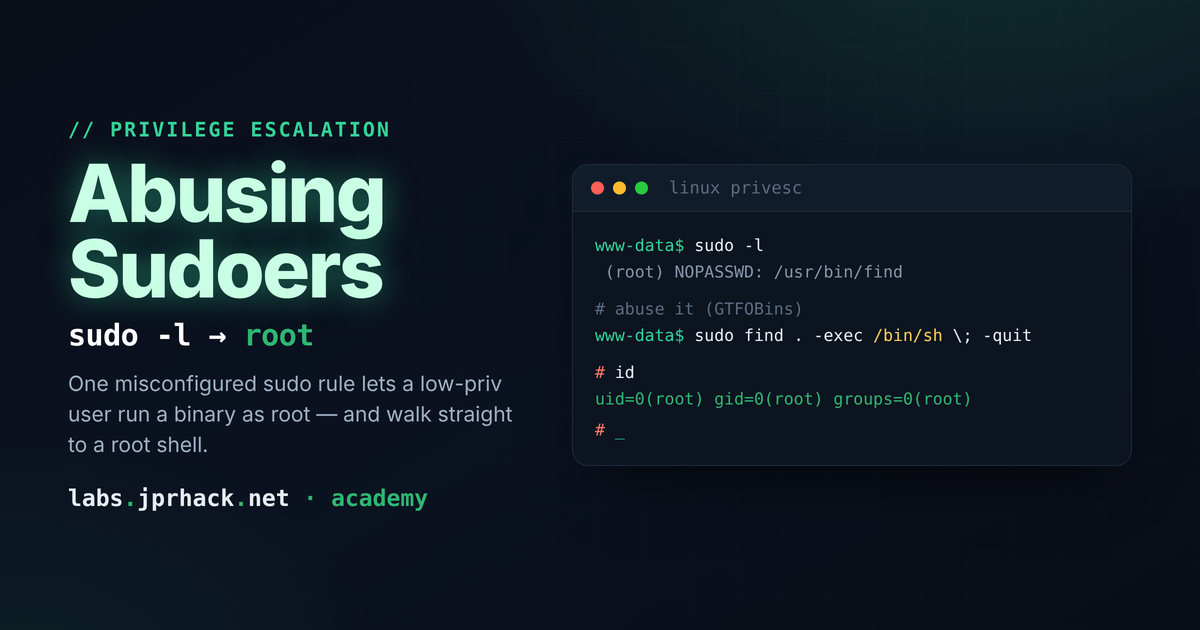
How a single NOPASSWD rule in /etc/sudoers can hand out a full root shell: using sudo -l to see what you're allowed to run, GTFOBins to turn "harmless" binaries like awk, nmap, or python3 into a shell, and pivoting to a different user before escalating to root — with a hands-on lab to practice the full chain.
What is /etc/sudoers?
/etc/sudoers is the configuration file that controls what the sudo command is allowed to do on a Linux system. It defines, per user (or group), exactly which commands they're allowed to run as another user — usually root — and under what conditions.
The idea is to hand out just enough privilege for someone to do their job, without giving them a full root shell. In practice, this file is one of the most common places where a small, "harmless-looking" misconfiguration turns into full root — because very few commands are actually safe to run as root with no restrictions.
Checking what you're allowed to run: sudo -l
Once you have a shell as any user, the first thing worth checking is what that user can run with elevated privileges:
sudo -lThis lists every command the current user is authorized to run via sudo, and under which rule. If nothing has been configured for that user, this comes back empty — but it's always worth checking, on every box, every time.
Say a sysadmin creates a low-privilege user, jony, for some routine task, and — to avoid typing a password every time a cron job runs — adds a rule to /etc/sudoers (normally edited with visudo, which validates the syntax before saving) granting that one task:
jony ALL=(root) NOPASSWD: /usr/bin/awkFrom jony's side, running sudo -l now lists /usr/bin/awk as something this user can run as root, with no password prompt (NOPASSWD). Compare the two:
sudo awk      # runs with NO password prompt - matches the rule above
sudo whoami   # asks for the password - not covered by this rule
The real danger: binaries that can "shell out"
awk looks like an innocent text-processing tool. The problem is that, like a long list of other common Linux utilities, it has a built-in way to execute arbitrary shell commands. If you're allowed to run it as root, you're really being handed a root shell:
sudo awk 'BEGIN {system("/bin/sh")}'That one line spawns a root shell, using nothing but the "harmless" permission to run awk.
This is exactly what GTFOBins catalogs: for a huge number of standard Unix binaries, it lists the exact one-liner to turn a sudo (or SUID, or other) permission on that binary into a full shell. Search the site for +shell and you'll get the list of every binary you should think twice about before granting NOPASSWD access to — awk, find, vim, less, python3, nmap, and dozens more.
It doesn't have to be root: running as another user
sudoers rules don't only grant access to root — a rule can let one user run a command as a completely different, unprivileged user:
jony ALL=(carlos) NOPASSWD: /usr/bin/nmapsudo -l as jony now shows permission to run nmap specifically as carlos:
sudo -u carlos nmapGTFOBins has an entry for nmap too — older versions support an interactive scripting mode that can execute OS commands. One way in is to write a small NSE (Nmap Scripting Engine) script to a world-writable directory like /tmp:
echo 'os.execute("/bin/sh")' > /tmp/script.nseAnd have nmap load it, as carlos, through the sudo rule:
sudo -u carlos nmap --script=/tmp/script.nseThat hands you a shell as carlos — not root yet, but a lateral move from jony into a different account, which might have its own, separate sudo rules worth checking with sudo -l all over again.
A command run this way through a script engine often doesn't attach a visible interactive shell in your terminal the way a normal
sudocommand would. If nothing seems to happen, set up a listener on your own machine first and have the payload call back to you with a reverse shell one-liner instead of just/bin/sh.
Same idea, different binary: Python
The exact same logic applies to any interpreter you're allowed to run with sudo. Python is a classic:
sudo python3 -c 'import os; os.execl("/bin/bash", "bash")'If the sudo rule points at python3 with no restriction on arguments, this spawns a shell with whatever privilege that rule grants — root included.
Prevention
- Keep the list of users with any
sudoaccess as small as possible, and the list of commands each one can run even smaller. - Before granting
sudoon any binary, check it against GTFOBins — if it has asudoentry there, assume it's equivalent to handing out a full shell as whatever user the rule targets. - Avoid
NOPASSWDunless there's a real operational reason for it — requiring a password at least adds friction and an audit trail. - When a binary genuinely needs elevated access for one specific task (log rotation, a backup script...), restrict the rule to an exact command with fixed arguments, not the bare binary — many GTFOBins tricks rely on being able to pass arbitrary flags or scripts.
- Review
/etc/sudoers(and anything dropped into/etc/sudoers.d/) periodically — it's a common place for a "temporary" rule from months ago to quietly become a permanent backdoor.