SSRF via an Image-Fetch Parameter to an Internal Localhost Intranet
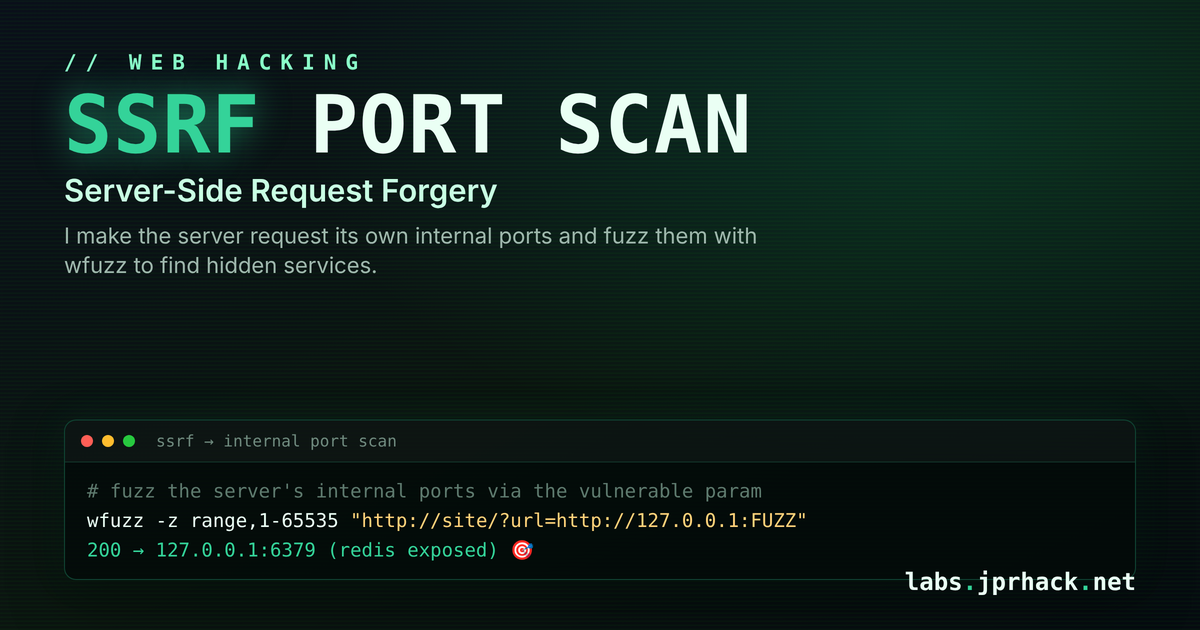
Learn what a Server-Side Request Forgery (SSRF) is, how to detect it in a vulnerable URL parameter, and how to use wfuzz to scan the machine's internal ports and discover services that shouldn't be reachable.
Server-Side Request Forgery (SSRF) is a vulnerability where we force the server to make HTTP requests that we control. Instead of our browser requesting a resource, the backend requests it, from its privileged position inside the network.
The main impact is clear: the server usually has access to internal resources we can't reach from the outside. That lets us discover and reach services that live behind the firewall.
The vulnerable pattern
The classic case is a parameter that takes a URL and loads it from the server. For example:
http://domain/utility.php?url=https://tinder.comIf loading that request renders Tinder's page back through the server, the backend made the request for us. That behavior is the signature of SSRF: the url parameter controls the destination of a server-side request.
Manual detection
Before automating anything, confirm by hand that the parameter really triggers outbound requests. Change the value between different domains and check whether the returned content changes accordingly:
http://domain/utility.php?url=https://example.com
http://domain/utility.php?url=https://tinder.com
The next step is pointing at the server itself. If instead of an external domain we use 127.0.0.1, we're asking the backend to make requests to itself:
http://domain/utility.php?url=http://127.0.0.1From 127.0.0.1 the server can see ports and services that are closed from the outside. That's where SSRF's real value lies.
Scanning internal ports with wfuzz
To enumerate which ports the machine has open internally, sweep the whole port range with wfuzz, substituting the port number with the keyword FUZZ:
wfuzz -c -t 200 -z range,1-65535 "http://172.17.0.2/utility.php?url=http://127.0.0.1:FUZZ"Breakdown of the options:
-c: colored output.-t 200: 200 concurrent threads to speed up scanning all 65,535 ports.-z range,1-65535: generates the payload as a numeric range from 1 to 65535.FUZZ: marks where each value from the range gets injected, here the port.
Filtering the noise with --hl
Running the command above, you'll notice a problem: practically every response returns the same thing. In this case, they all have 3 lines (wfuzz's L column), which corresponds to the standard response when the port doesn't respond with anything useful.
With so many identical results, it's impossible to pick out the ports that are actually open. The fix is to hide the responses with 3 lines:
wfuzz -c -t 200 --hl=3 -z range,1-65535 "http://172.17.0.2/utility.php?url=http://127.0.0.1:FUZZ"--hl=3 tells wfuzz to hide (hide lines) every response with 3 lines. What's left after the filter are the responses that deviate from the norm: the internal ports that respond differently, and therefore the services worth investigating.
Once you've identified an open port, go back to the vulnerable parameter to interact with that service directly through the SSRF:
http://domain/utility.php?url=http://127.0.0.1:PORTPrevention
If you maintain the application, the goal is to cut off the attacker's ability to pick arbitrary destinations:
- Validate the destination with an allow-list of permitted domains instead of a block-list.
- Block internal and loopback addresses (
127.0.0.1,::1, private ranges10.0.0.0/8,172.16.0.0/12,192.168.0.0/16) and cloud metadata endpoints (169.254.169.254). - Resolve the hostname and validate the final IP after following redirects, so an external domain can't redirect to an internal IP.
- Restrict the accepted schemes to only
httpandhttps, rejectingfile://,gopher://, and similar. - Apply network segmentation so the server has no direct access to sensitive internal services even if validation fails.